
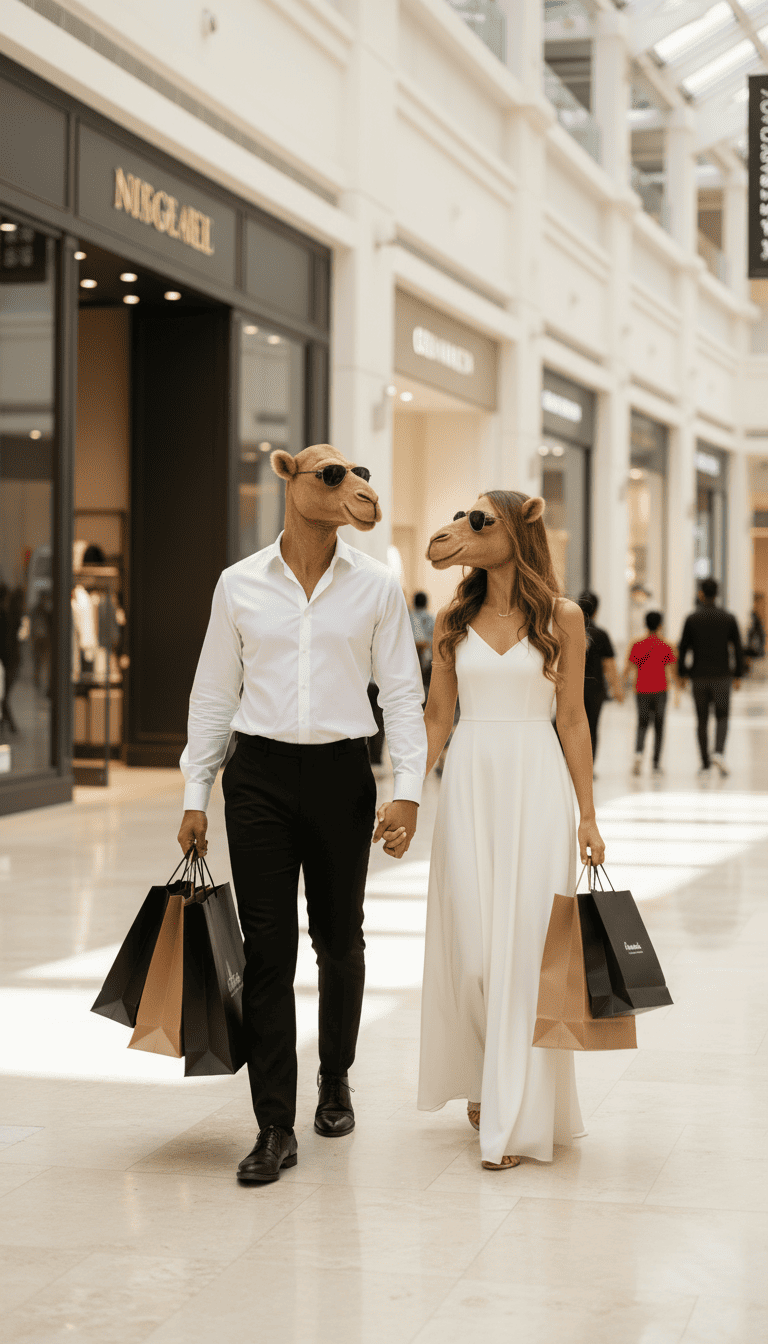
Post‑production & VFX
Enhance your footage with professional editing, colour grading, sound design and visual effects. Our AI‑assisted tools accelerate the editing process while our artists add the finishing touches. From seamless transitions and motion graphics to photorealistic VFX, we give your videos a polished cinematic feel.
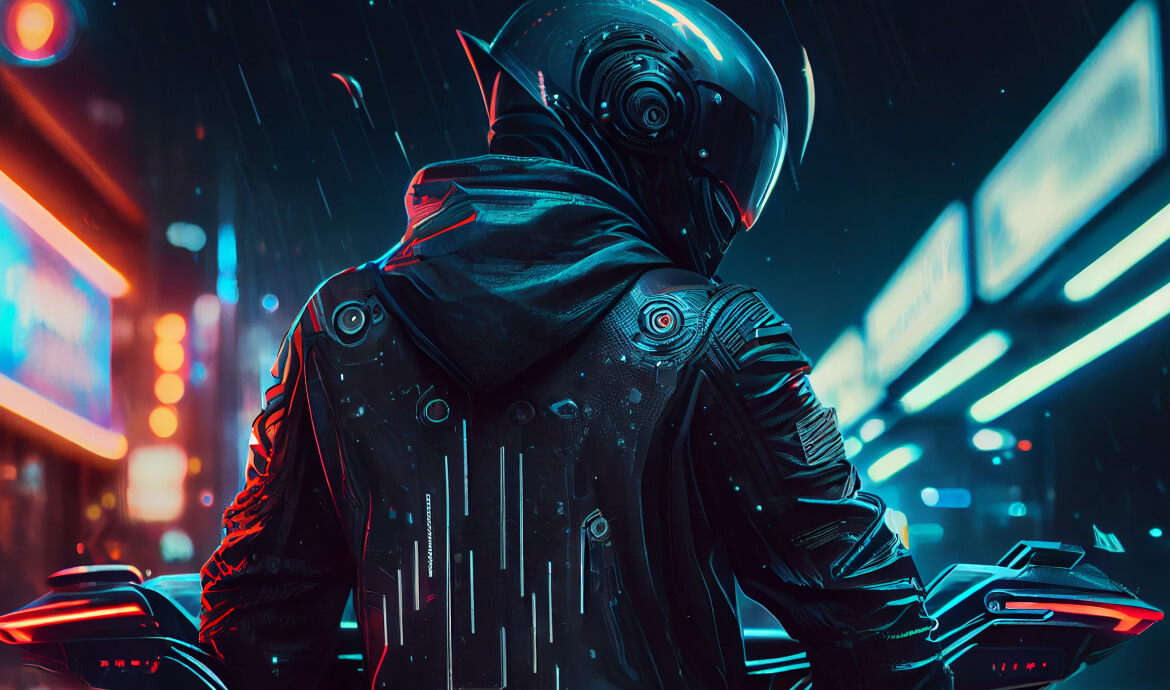
AI VFX and Post-Production: Finishing That Makes Footage Look Expensive
Post-production is where a video becomes a brand asset. Good post fixes what the shoot missed, adds what the budget couldn’t, and makes every version feel finished. AI has changed this stage more than any other: work that used to take a team days, like masking a moving subject or cleaning up a background, can now be done in hours.
At Nexysm we use AI to speed up the slow, repetitive parts of post and keep human editors, colourists and sound designers on the decisions that affect how your brand looks and feels.
Key points
- AI speeds up masking, clean-up, background replacement, upscaling and dubbing. Editors, colourists and sound designers make the final calls.
- Cost depends on the number and difficulty of VFX shots, not on the length of the video.
- Every format is reframed shot by shot, not just cropped, and comes with textless versions and SRT files.
- Nothing is delivered until a person has checked it on a large screen and on a phone.
Who this is for
- Brands with footage already shot that needs a premium finish, fixes or more versions.
- Agencies and production companies that need extra VFX and finishing capacity on a deadline.
- Teams with AI-generated shots that need to be cut, graded and sound-designed into a real film.
- Marketers who want to reuse old footage in new formats, languages or campaigns.
Where AI helps in post, and where people still decide
| Task | What AI does well | What still needs a human eye |
|---|---|---|
| Masking and rotoscoping | Separates people and objects from backgrounds quickly | Hair, motion blur and fast edges, checked frame by frame |
| Clean-up | Removes signs, wires, logos, crowds and small distractions | Whether the fix is invisible on a big screen |
| Background and sky replacement | Builds new environments around existing footage | Matching light direction, shadows and lens look |
| Upscaling and restoration | Sharpens low-resolution or older footage | Avoiding the “plastic skin” look and invented detail |
| Relighting and colour | Fast matching between shots from different sources | The final grade that sets the brand mood |
| Voice, dubbing and lip sync | New languages and dialogue fixes | Pronunciation, tone and cultural fit |
| Sound clean-up | Removes noise and room echo from dialogue | Music choice, mix and sound design |
Deliverables
- Edited master with grade, sound mix, titles and captions.
- VFX shots: compositing, clean-up, set extensions, screen replacements and product enhancements.
- Versions for every platform: 16:9, 9:16, 4:5 and 1:1, reframed shot by shot rather than just cropped.
- Language versions with voiceover or dubbing, plus subtitle files (SRT).
- Clean (textless) versions for future edits and localisation.
How we work
- Footage review. You share the material and the goal. We check quality, formats and what’s realistically fixable, and tell you before you commit.
- Edit plan. Structure, pacing and the list of VFX shots. Approval point one.
- Offline edit. A rough cut to lock the story and timing. Approval point two.
- VFX and AI work. Compositing, clean-up, generated elements and any language work.
- Finishing. Colour grade, sound mix, titles and captions. Approval point three.
- Versioning and QC. Every format checked for safe zones, text legibility and audio levels before delivery.
Footage handover checklist
Sending the right files saves days. Before a post-production project, collect:
- Original camera files, not compressed exports from a messaging app.
- Any existing edit project, EDL or XML if the video was started elsewhere.
- Brand guide, fonts, logo files and any LUTs used on the shoot.
- Music and voice files with proof that you have the licence to use them.
- Final scripts and translations, if language versions are needed.
What affects timeline and cost
- The number and difficulty of VFX shots, not the length of the video.
- Footage quality: badly lit or low-resolution material takes more work to finish well.
- How many formats and languages you need.
- How quickly edits are approved; locked edits keep finishing work efficient.
Where AI is the right tool, and where it isn't
AI is a strong assistant for clean-up, masking, upscaling, background work and versioning. It shouldn’t be trusted blindly on faces, hands, text and product details, where small errors are easy to notice and hard to forgive. Our rule is simple: AI can do the first pass on almost anything, but nothing leaves our hands without a person checking it on a large screen and on a phone.
AI VFX and post-production: quick answers
Can you improve footage we've already shot?
Usually, yes. We can re-edit, grade, clean up distractions, replace backgrounds, add effects and create new formats from existing material. What we can’t do is invent detail that was never captured without it looking fake, so we review your footage first and tell you honestly what’s possible.
Can AI upscale old or low-resolution video?
It can make older footage noticeably sharper and cleaner, which helps when you reuse archive material. Results vary with the source: heavy compression and very small files limit what’s possible. We test a few shots before committing to the whole project so you can see the real result.
Can you dub our video into Arabic or other languages?
Yes. We can add voiceover or AI dubbing with lip sync, plus subtitles. For Arabic and other languages, a native speaker should review the script and the final audio, because a technically correct line can still sound wrong to a local audience.
What file formats do you deliver?
By default we deliver H.264 MP4 files for each platform format, plus SRT subtitle files. If you need higher-quality masters for broadcast or future edits, such as ProRes files, textless versions or separate audio stems, tell us at the start so we can plan for them.
Do you only work on AI-generated footage?
No. We work with live-action footage, AI-generated shots and mixes of both. Hybrids are often the smartest option: real product or presenter footage, with AI used for environments, effects and versions.
See it in practice
Our Neon Rain AI music video and The Island Sports Club brand film both relied on editing, pacing and sound design to turn generated shots into finished films. If you’re starting from scratch, see AI video production; for campaign work, see AI commercials and branding.
Have footage that needs a better finish?Send us a short description and a sample clip, and we’ll tell you what we’d do with it.